Where the BK8 app is available
There is no Android version on Google Play. The store restricts real-money betting apps in many countries, so the operator hands out an APK file from its own download page. The Android build is called BK8 Lite and uses the same account as the website.
For iPhone the route is the web version: load the site in Safari, then park its icon on the home screen. One tap opens the same lobby as the Android app, cashier and live chat included.
You may come across files with similar names on third-party APK stores, in group chats or on blogs. The operator did not make them, and they can carry code that reads your SMS or takes over the screen. The one safe source is the operator's download page, opened from an address you have checked.
BK8 APK Android install, step by step
The per-app install permission below exists on Android 8 and newer. Menu names vary a little between Samsung, Xiaomi, Oppo and other brands, but the order stays the same.
- Open the download page
Open the operator's site in your phone browser with a button on this page, and check the address before you continue.
- Find the app menu
Look for a Mobile, App or Android icon at the top or bottom of the page.
- Download the APK file
Tap the Android download button and wait until the file lands in your Download folder.
- Allow installs from the browser
Go to Settings, then Apps, Special access, Install unknown apps. Pick the browser you used and switch the permission on.
- Install and open the app
Tap the APK file, choose Install, then open the app and log in to your account.
- Switch the permission off again
Return to Install unknown apps and turn the browser permission off so no other file can install quietly.
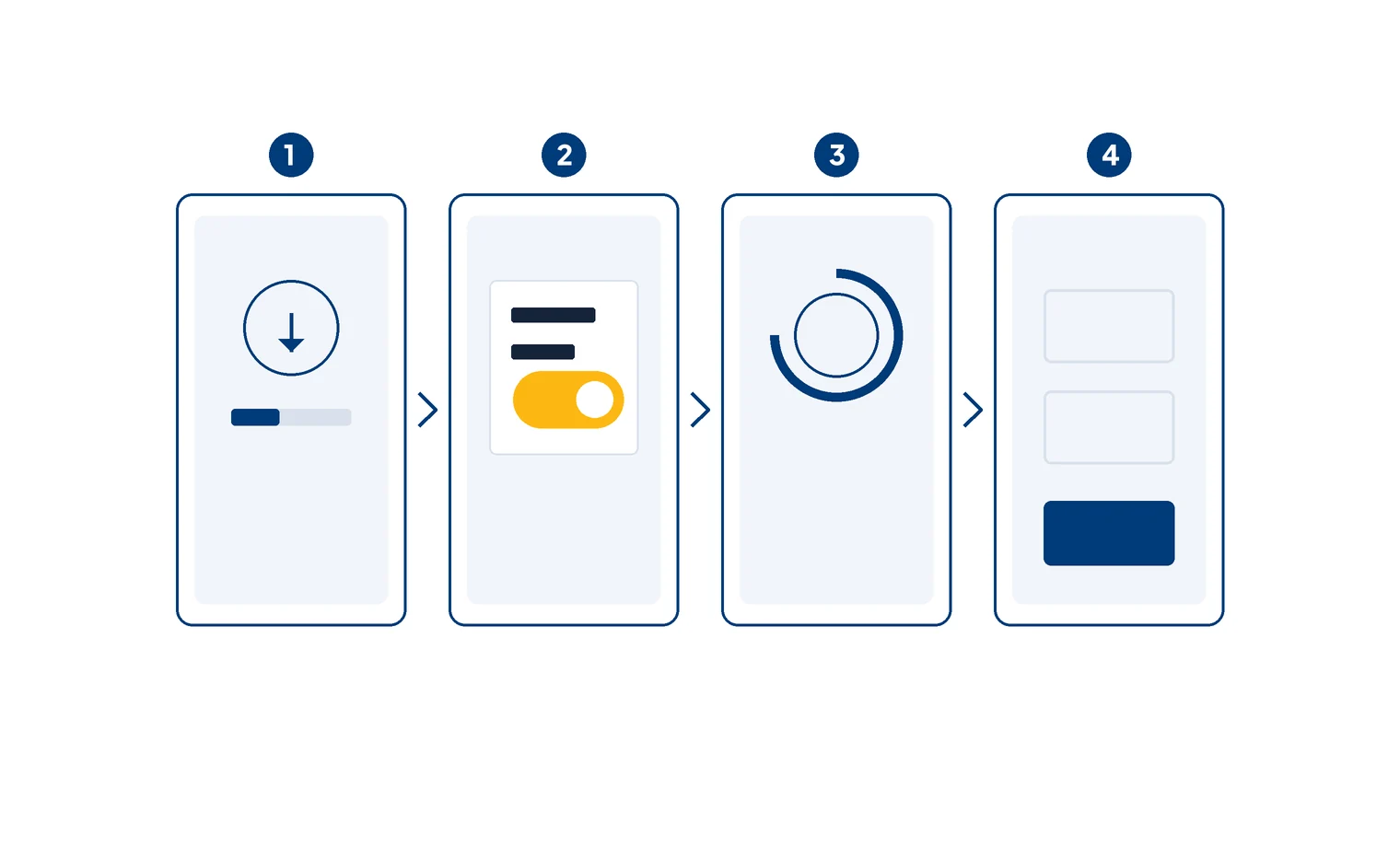
Once the app opens, log in with the username and password you use on the website. No account yet? Create one with our BK8 register guide, then come back to the app.
When Play Protect shows a warning
Play Protect scans every app installed from outside Google Play. The "unknown app" warning appears for almost any APK from outside the store, genuine files included. On its own, that warning does not mean the file is harmful.
When to cancel
Cancel the install if Play Protect flags the file as harmful or finds data-stealing code, if the file did not come from a download page you opened yourself, or if the app asks for SMS and accessibility access the first time it opens.
If the warning only says "unknown" and the file came from the right place, tap Install anyway. Phones with stricter security, such as Xiaomi models with a built-in scanner, work the same way: the extra scanner asks you to confirm one more time.
BK8 on iPhone: web version on the home screen
The iPhone web version needs no install and asks for no permissions. The home screen icon is only a shortcut to the site address, so make sure the address is right before you save it.
- Open Safari
Open the site with a button on this page. Home screen shortcuts are most reliable when created from Safari rather than another browser.
- Tap Share
It is the square icon with an upward arrow at the bottom of the screen.
- Choose Add to Home Screen
Give the icon a short name and tap Add.
- Open from the icon and log in
Log in once. The session usually stays until you sign out or clear cookies.
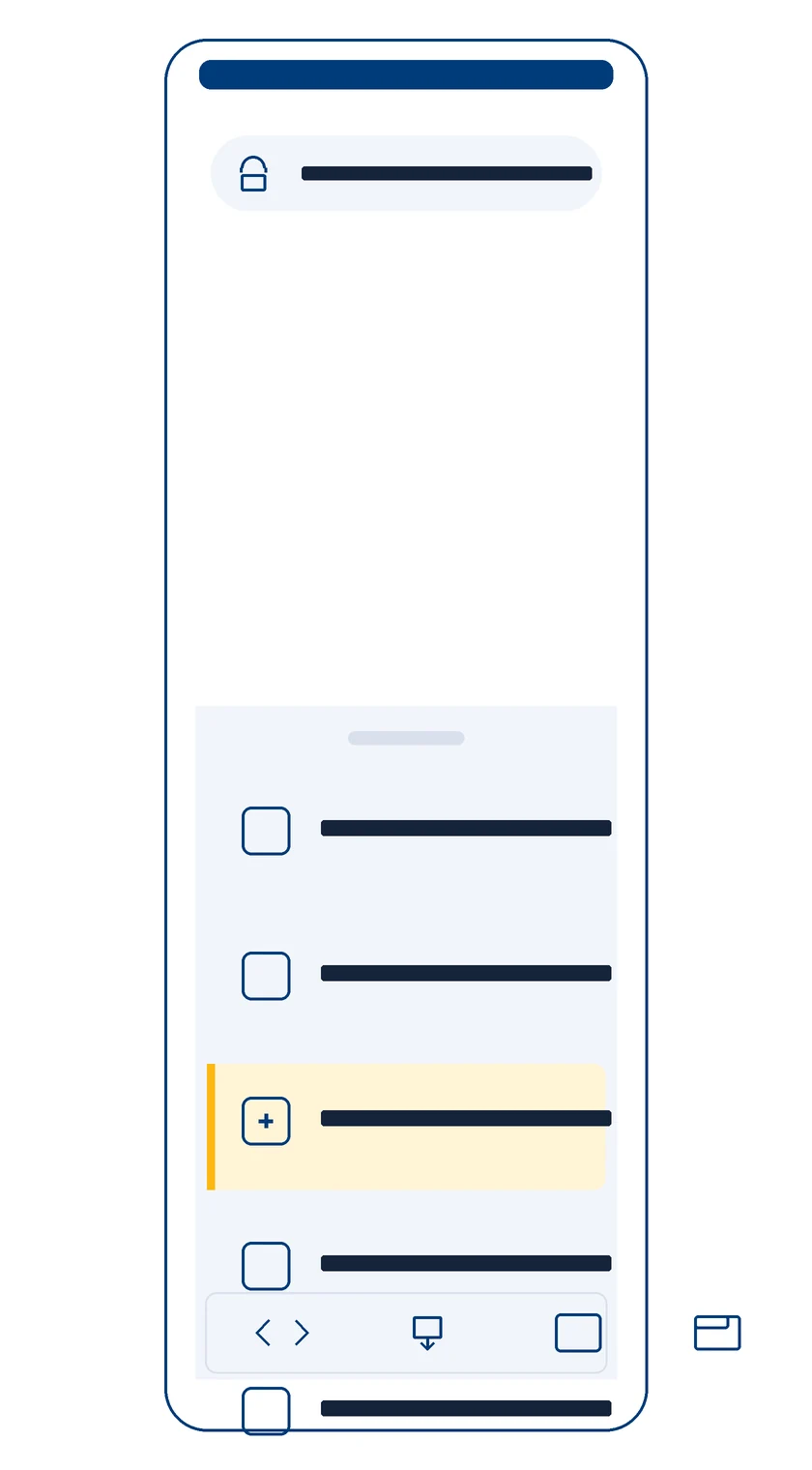
Check bet results and withdrawal status in the account menu. If you use mobile data a lot, turn on Low Data Mode under Settings, Mobile Data: the lobby loads plenty of images, and the mode trims data use without changing how the account works. Clear the Safari cache once a month if pages slow down or look broken.
When the site address changes, the old shortcut stops working. Delete the icon, open the new address with a button on this page and repeat the steps above.
Checking a BK8 APK before you install it
A fake APK is the easiest way to steal an account and its balance. This table lists four checks you can run in two minutes without any extra app.
| What to check | Safe sign | Red flag |
|---|---|---|
| File source | The operator's download page, opened by you | A link from a chat, a comment or a third-party APK store |
| Permissions on first launch | Notifications, storage for uploading your KTP photo | Read SMS, accessibility service, draw over other apps |
| File size | Matches the file from the operator's download page | Far off from a genuine file you downloaded before |
| Requests after login | No extra data requests | Asks for an OTP code, a bank PIN or a transfer to a personal account |
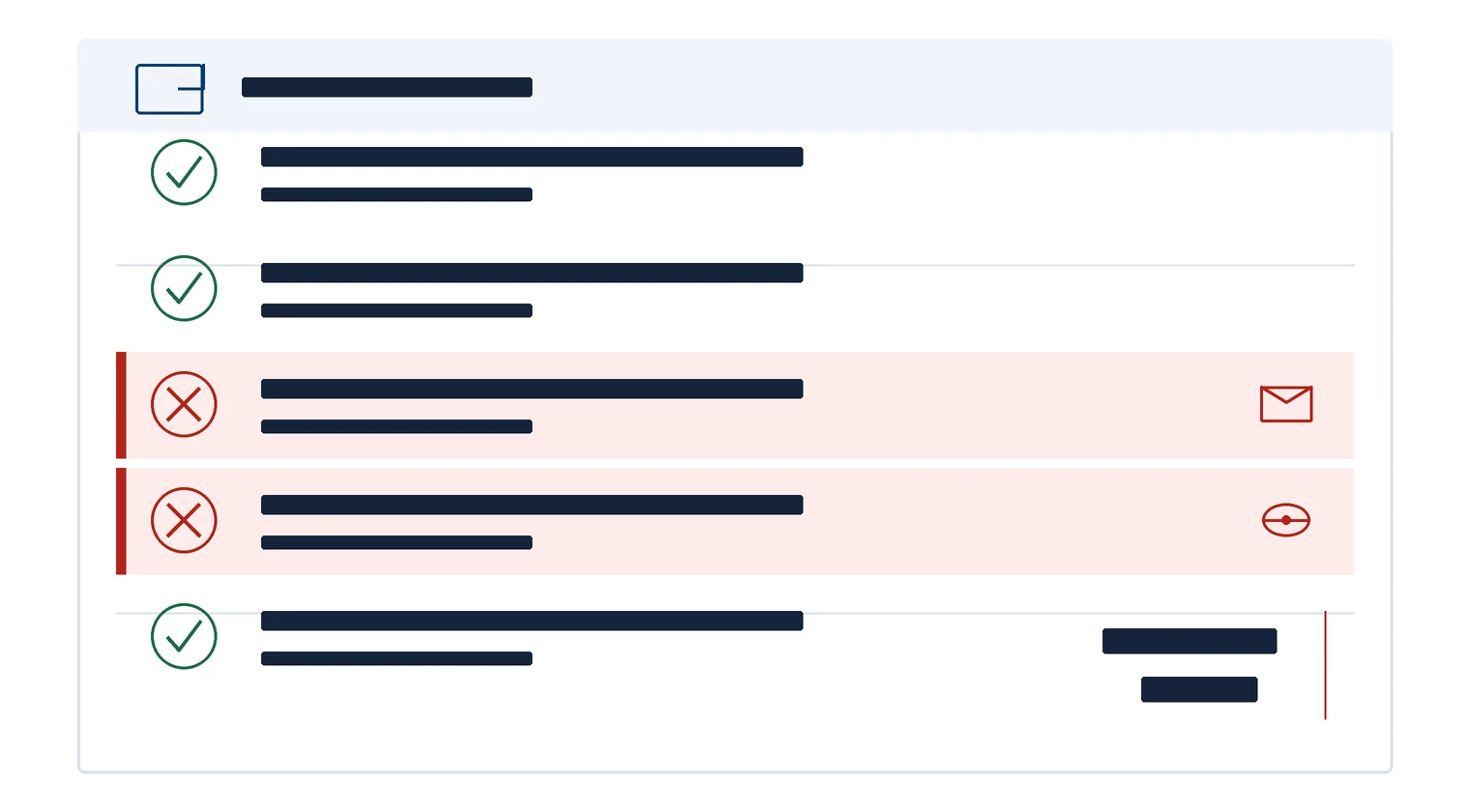
Compare the size with a file you took from the download page yourself. If even one red flag shows up, delete the file and download it again from the right source. A genuine BK8 APK Android file never needs your OTP to run. Our BK8 alternative link page explains how to check a site address before you download anything.
App or mobile site: the differences
Both open the same account and balance. The differences come down to convenience and upkeep.
Inside the BK8 app the lobby matches the web version exactly: sports betting, slots, live dealer tables, lottery, fish shooting and esports, all drawing on one rupiah balance. The cashier comes along too, so an e-wallet deposit from IDR 25,000 or a withdrawal request goes through without opening a browser. Live chat sits pinned in a corner. The download page also shows a QR code: scan it from another phone and the file downloads with no address to type. Once installed, fingerprint login replaces the password every time you open the BK8 app. Display theme and category order are yours to set in the profile menu, so sports or slots land on the first screen. Referral codes share straight from that menu to a WhatsApp contact.
| Aspect | Android app | Mobile web version |
|---|---|---|
| Setup | APK file, one-time permission | Nothing to install |
| Storage | Uses phone memory | Browser cache only |
| Quick login | Fingerprint, per the BK8 site | Password saved in the browser |
| Updates | Download new versions by hand | Automatic when the page loads |
| When the address changes | The app usually stays connected | You need to open the new address |
Updating the Android app
An APK does not update itself the way store apps do. Check the download page now and then for a new version. Download the new file from the same BK8 app download page and install it over the old version without removing it first. Your login data stays in place. If installing over the old version fails, remove the app, install it again and log back in.
Once the app is installed, protect the phone itself. Turn on a screen lock with a PIN or fingerprint, don't lend out a phone that is still logged in to a betting account, and avoid rooted phones, where other apps can read the data inside.
On a phone with little storage, the web version is enough. If you bet live often, the app is handier thanks to fingerprint login.
Common install problems
| Problem | Usual cause | Fix |
|---|---|---|
| "App not installed" | An old version is still there, or the file is damaged | Remove the old version and download the file again |
| "There was a problem parsing the package" | The download was cut off | Download again on a stable Wi-Fi connection |
| Install button greyed out | Another app is drawing over the screen | Turn off chat bubbles or screen filters for a moment |
| App opens, then closes | Android version too old or storage full | Free up storage or use the web version |
| Login fails inside the app | Wrong password or a locked account | See our BK8 login guide |
Not sure about the brand yet? Start with our BK8 Indonesia review for an overview of games, payments and the bonus before you install anything.
BK8 app questions and answers
Is the app on Google Play?
No. The Android file comes from the operator's download page. Apps with similar names on Google Play or third-party APK stores were not made by the operator.
Is the app free?
Yes, the file and the install cost nothing. Anyone charging for the app file is running a scam.
Is there a BK8 iOS app?
There is no BK8 iOS app on the App Store. Use the web version in Safari and save it as an icon with Add to Home Screen.
How big is the BK8 APK file?
The operator publishes neither the file size nor a minimum Android version. If a file's size is far off from one you downloaded from the operator's page before, delete it and download again.
Is an APK from a third-party store or a group chat safe?
No. Files from those sources were not made by the operator and can contain data-stealing code. Only download from the page you open through an address you have checked.
Why does my phone refuse to install the app?
The usual causes: the Install unknown apps permission is off, an old version is still installed, or the file got damaged during download. Check all three and try again.
Can I use the same account in the app and on the web?
Yes. Your username, password, balance and bet history are the same in the Android app and the web version.
Where does the BK8 app download button on this page lead?
It opens the operator's site, where you choose the Android file or the web version. New accounts there can take the 100% new member bonus up to IDR 20 million under the promotion terms.
Install from the right source
The button below opens the download page. Check the address before you download the file.
100% new member bonus up to IDR 20 million · 21+ · Terms apply on the promotions page